
Introduction

Every once in a while, a device comes along that challenges what we expect from technology. The Huawei MatePad 12X is one of those rare products. Huawei doesn’t call it a tablet or a laptop—it calls it a MatePad, and that choice of name makes perfect sense once you use it.
read more Samsung Galaxy Tab S10 FE+: The Affordable Tablet Masterpiece Redefining Value
This isn’t just another slab of glass and metal for watching Netflix. It’s a statement that says, “a tablet can be your next laptop.” From the PaperMatte display that feels like paper to its HarmonyOS interface that mimics a desktop, the MatePad 12X is Huawei’s most confident step yet into the future of portable computing.
Huawei’s Philosophy: Innovation You Can Feel
Huawei has built its reputation by taking bold risks. Whether it’s developing in-house chipsets or creating displays that protect your eyes, the company has consistently aimed for innovation that’s practical—not just flashy.
The MatePad 12X continues that legacy. It’s designed for people who want laptop-level productivity without carrying a laptop. And in doing so, it blurs the line between a tablet and a professional work device better than almost anything else in its category.
Quick Specs Overview
Let’s take a quick look at what powers this tablet:
| Feature | Specification | Highlights |
|---|---|---|
| Display | 12.2-inch PaperMatte, 144Hz | Glare-free and paper-like texture |
| Chipset | Huawei T92B (Kirin-based) | Flagship-level performance |
| RAM / Storage | 12GB / 256GB | Excellent for multitasking |
| Battery | 10,100 mAh, 66W SuperCharge | Up to 14 hours of mixed use |
| OS | HarmonyOS | Desktop-like multitasking |
| Speakers | 6 (4 woofers, 2 tweeters) | Rich, immersive audio |
| Accessories | Smart Keyboard & M-Pencil 3 | Bundled in pre-order offer |
The Unboxing Experience: A Taste of Luxury
Opening the MatePad 12X feels like unwrapping a premium product. Huawei clearly put thought into every detail, from the soft microfiber cloth to the sleek accessories inside the box.
You get:
- The MatePad 12X tablet (ours in the Greenery colour)
- A Smart Magnetic Keyboard
- The latest M-Pencil 3
- A 66W power adapter with both Type-A and Type-C ports
- A Type-A to Type-C cable
- A microfiber polishing cloth
That cloth might seem trivial, but it’s actually essential. The PaperMatte display has a delicate coating that resists glare but requires gentle cleaning. Using a regular cloth could damage it.
PaperMatte Display: Truly Paper-Like
The star of the show is the 12.2-inch PaperMatte display. Huawei claims it’s the most natural-feeling screen ever used on a tablet, and after spending time with it, that claim holds weight.
The matte coating eliminates glare completely. Even under bright sunlight, text and images remain clear and reflection-free. If you’ve ever tried reading on a glossy tablet outdoors, you’ll instantly notice the difference here.
The 144Hz refresh rate makes scrolling buttery smooth, and combined with Huawei’s eye comfort technology, it’s a display designed for long working hours without fatigue.
Pro tip: Always clean the screen with the included microfiber cloth. The PaperMatte coating is special — rough cloths can scratch it.
Keyboard and M-Pencil 3: Turning a Tablet into a Computer
Smart Magnetic Keyboard
This keyboard is clever in more ways than one. It attaches magnetically, draws power directly from the tablet, and uses NearLink technology to connect wirelessly. You never need to charge it.
Typing feels solid, with good key travel and tactile feedback — a rarity in detachable keyboards. It’s surprisingly easy to forget you’re typing on a tablet.
M-Pencil 3
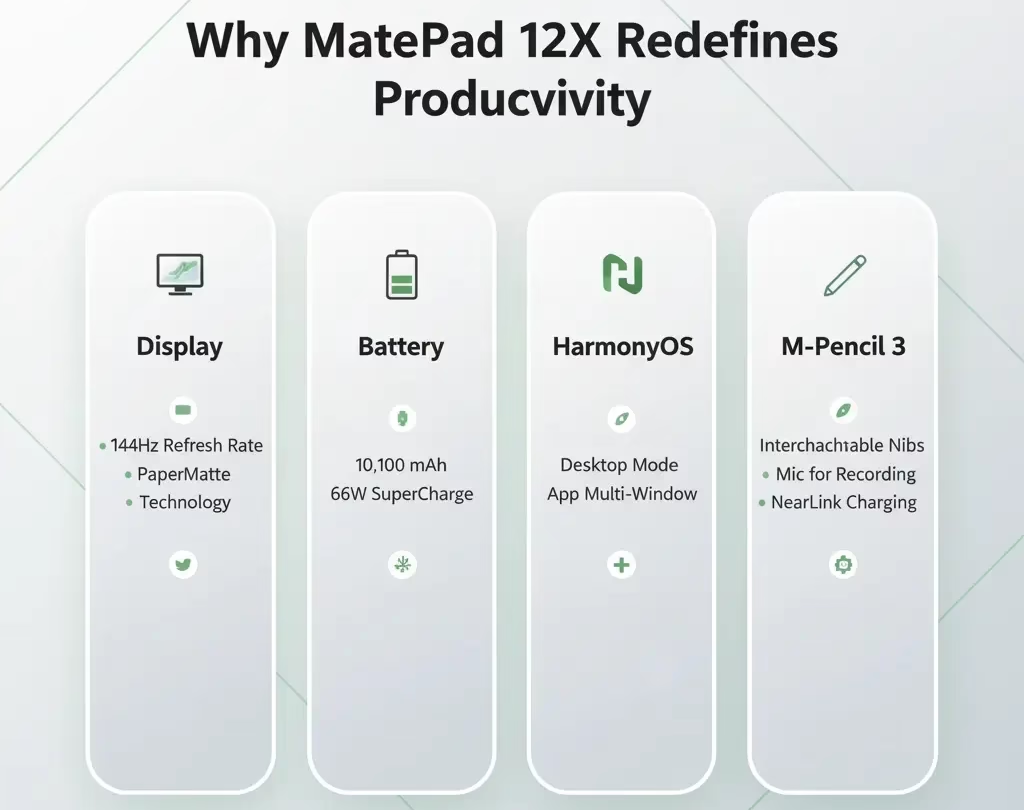
Huawei’s new M-Pencil 3 is a creative powerhouse. It comes with interchangeable tips for different tasks:
- A tungsten tip for drawing or sketching
- A precision tip for neat handwriting
- A standard tip for everyday note-taking
There’s even a built-in microphone, allowing you to record meetings while you write. Pressing the button on top instantly opens the Notes app — a small but thoughtful touch that makes productivity seamless.
The pencil charges magnetically when attached to the top of the tablet and connects instantly via NearLink.
Performance: Power Meets Efficiency
Under the hood, the Huawei MatePad 12X packs Huawei’s own T92B chip, part of its new Kirin-based silicon family. Benchmark results show an impressive 1.3 million on AnTuTu, comparable to top-tier flagship smartphones [1].
In real-world use, the performance feels fluid. Apps open instantly, multitasking is effortless, and the tablet doesn’t overheat even when editing 4K videos or playing graphics-heavy games.
Battery Life
The 10,100 mAh battery offers stellar endurance — around 12 to 14 hours of moderate use. With 66W SuperCharge, you can recharge from 0 to 100% in roughly an hour [2].
For those constantly on the move, that means no more carrying bulky chargers or power banks.
HarmonyOS: The Secret Ingredient
This is where the MatePad 12X truly differentiates itself. Instead of Android, it runs on HarmonyOS, Huawei’s own operating system designed for seamless cross-device experiences.
In tablet mode, apps behave as you’d expect. But switch to desktop mode, and it’s a whole new world:
- You can open multiple resizable windows.
- Files drag and drop like on Windows or macOS.
- Right-click menus and keyboard shortcuts work naturally.
- Pairing with Huawei phones or laptops is instant.
It feels more like using a lightweight ultrabook than a tablet. For many users, that’s more than enough to replace a traditional laptop for daily work [3].
Audio and Multimedia Experience
Huawei’s six-speaker setup is one of the best in the tablet market. Four woofers and two tweeters deliver a balanced, room-filling sound.
Whether you’re watching a movie, joining a Zoom call, or listening to music, the clarity and depth are remarkable. Combined with the PaperMatte display, it’s a joy for both work and entertainment.
Cameras and Connectivity
The cameras aren’t the focus here — and that’s fine. The 13MP rear and 8MP front cameras perform well for document scanning, online classes, or video calls.
For connectivity, you get:
- Wi-Fi 6
- Bluetooth 5.3
- USB-C
- NearLink (for accessories)
Biometric security comes via Face ID, which is quick and reliable, though there’s no fingerprint scanner.
App Ecosystem: HarmonyOS + Google
While Huawei’s AppGallery continues to expand, the good news is that Google apps are supported — you just need to install them manually. This hybrid approach gives users flexibility without compromising on productivity tools.
Everyday Experience
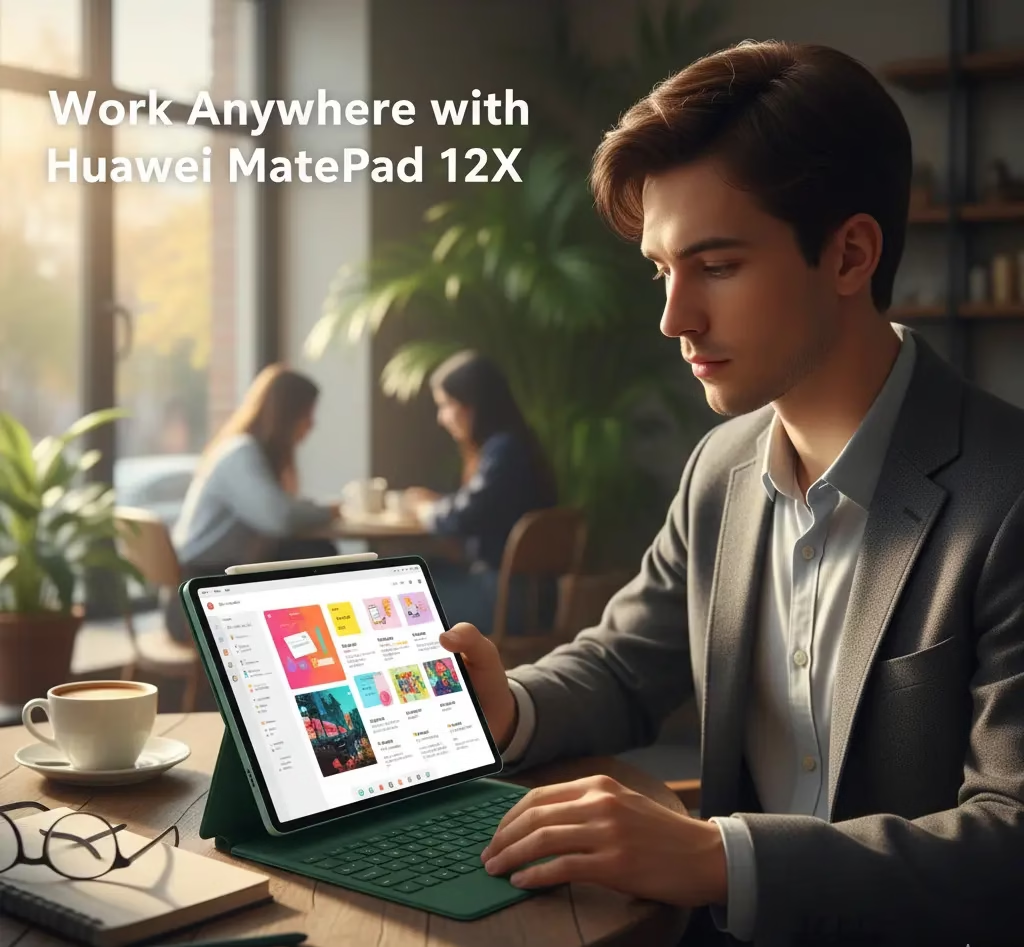
Using the MatePad 12X day to day feels refreshing. You can write notes with the Pencil, edit videos, attend video conferences, or even manage spreadsheets — all from a device that weighs less than two iPhones.
Students, digital artists, and professionals will all find something appealing here. It’s powerful enough for demanding work, yet portable enough to slip into a small bag.
The Few Drawbacks
No product is perfect. The MatePad 12X does have a few limitations:
- No fingerprint reader (Face ID only)
- Limited access to some Google services in certain regions
- Slightly premium price compared to mid-range Android tablets
But these are minor compared to what you gain in design, performance, and display quality.
Final Verdict
The Huawei MatePad 12X proves that tablets can indeed replace laptops for most people. Its PaperMatte display, HarmonyOS, and accessory ecosystem make it one of the most versatile devices Huawei has ever built.
It’s ideal for:
- Students who want portability and power
- Creators who sketch, design, or edit videos
- Professionals who work on the go
Bottom line: This is Huawei’s most polished and practical tablet yet — a near-perfect balance of innovation and usability.
Call to Action
If you’re ready to see what the future of tablets looks like, visit Huawei’s official website or a certified retailer to try the MatePad 12X yourself. Once you feel that PaperMatte display, it’s hard to go back.
FAQs
1. What makes the Huawei MatePad 12X unique?
Its PaperMatte display, HarmonyOS desktop mode, and smart accessories combine to create a laptop-like experience in a tablet form.
2. Can I use Google apps on the MatePad 12X?
Yes, Google apps can be manually installed. Huawei’s AppGallery also provides thousands of popular alternatives.
3. How long does the battery last?
With its 10,100 mAh capacity, the tablet delivers up to 14 hours of use and charges fully in about an hour.
4. Is the keyboard included?
Yes. The Smart Magnetic Keyboard and M-Pencil 3 are bundled with pre-orders or select packages.
5. Can this tablet replace a laptop?
For most users — absolutely. With Harmony OS, multitasking, and robust performance, it easily handles professional workloads.
for more details https://consumer.huawei.com/en/tablets/matepad-12-x/